01 · Route the support line
Keep the account context with the request.
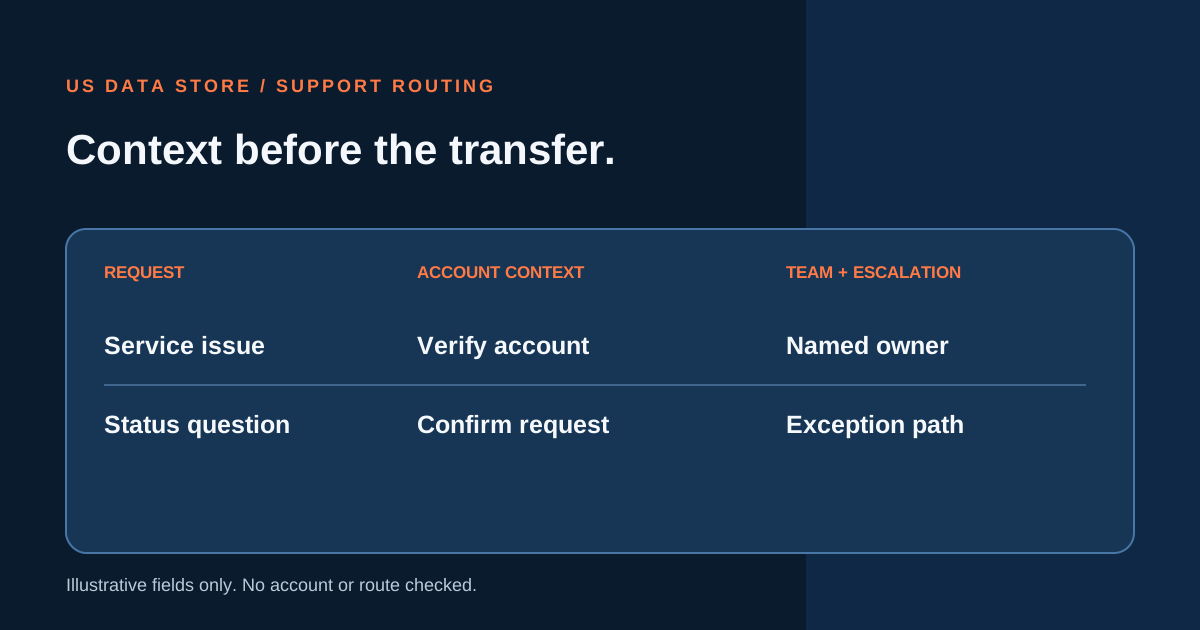
For each common B2B request, choose a first action, the context to capture, the receiving owner and the rule for escalation.
Your draft map
Intake and routing decisions
Decisions to confirm
02 · Team review
What should reach the receiving team?
Use these notes to test the route with account and service owners.
Account boundary
Request record
Escalation review
How the map works
A planning aid, not a live test.
What is counted
Each named request type becomes a row. The page counts a path as having named context and owners when account context, receiving owner and escalation owner all contain text. Missing trigger and action choices are review points.
What remains unverified
No account is looked up, no ticket is created, and no team availability or escalation policy is verified. Confirm permitted account answers and handoff rules before configuring a live line.
Make the next step clear
Build a support line with context.
US Data Store can discuss steady-volume inbound support handling, request intake and routing to the right team.
Put your plan in context
Read a related guide and a worked example →
Review your assumptions with the people who own the next step before configuring a live flow.